
01
Register & Verify
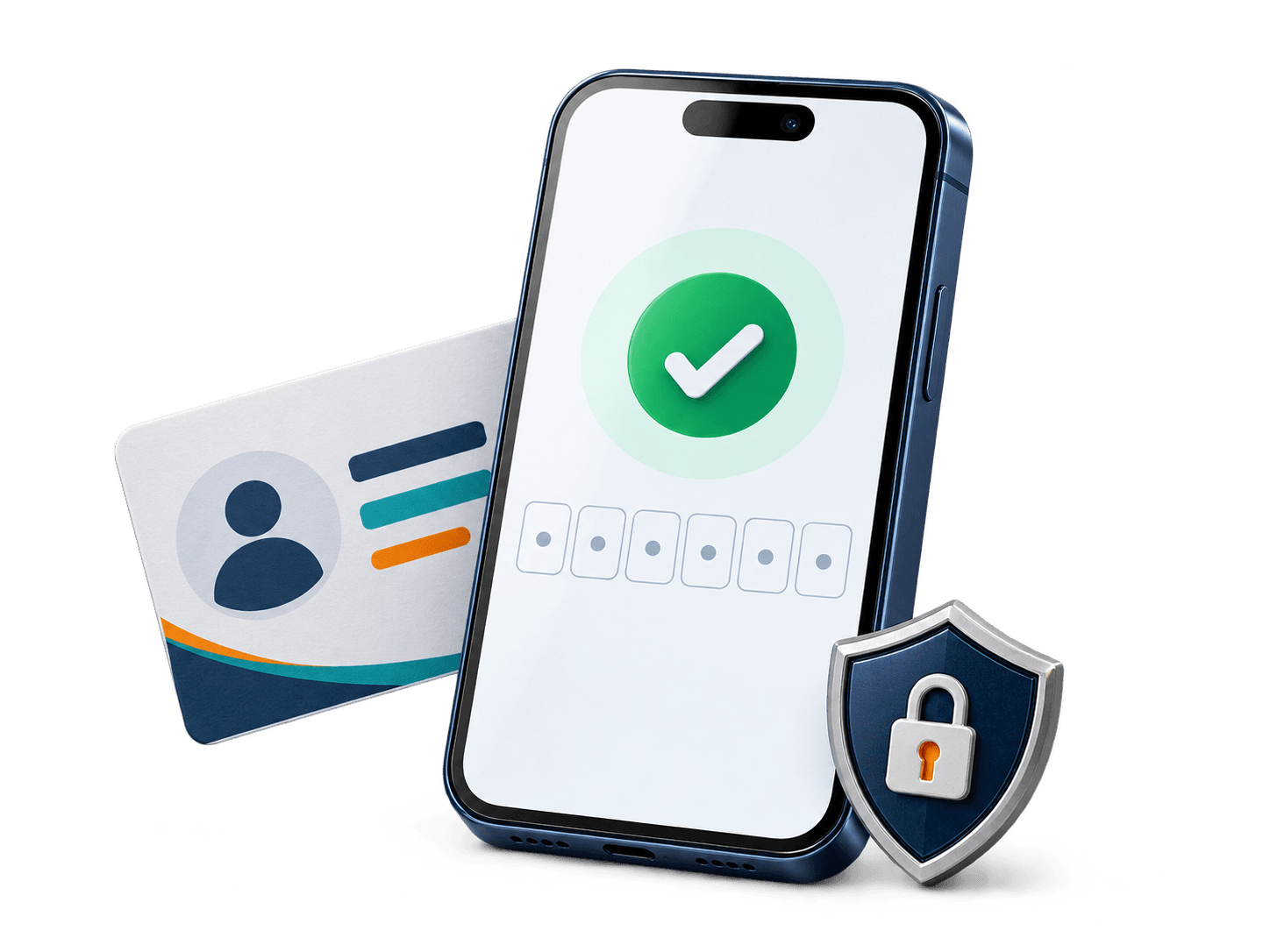
Create your Saacid account with your phone number and email. Verification by mobile or WhatsApp OTP activates your Customer ID.

Six steps, each one recorded. You see the parcel photographed and measured at the shipping hub before you decide to ship it.



Follow one parcel from your first order to final delivery at your destination. Each chapter shows what is recorded at that moment.
Follow one parcel from your first order to final delivery at your destination. Each chapter shows what is recorded at that moment.
Create your Saacid account with your phone number and email. Verification by mobile or WhatsApp OTP activates your Customer ID.
Your account shows your personal shipping address and unique identifiers like Customer ID and Hub Suite ID. Copy the full address or the Suite ID with one tap.

Use your assigned shipping address when shopping at supported online stores. The parcel is sent to your Suite ID at our hub.
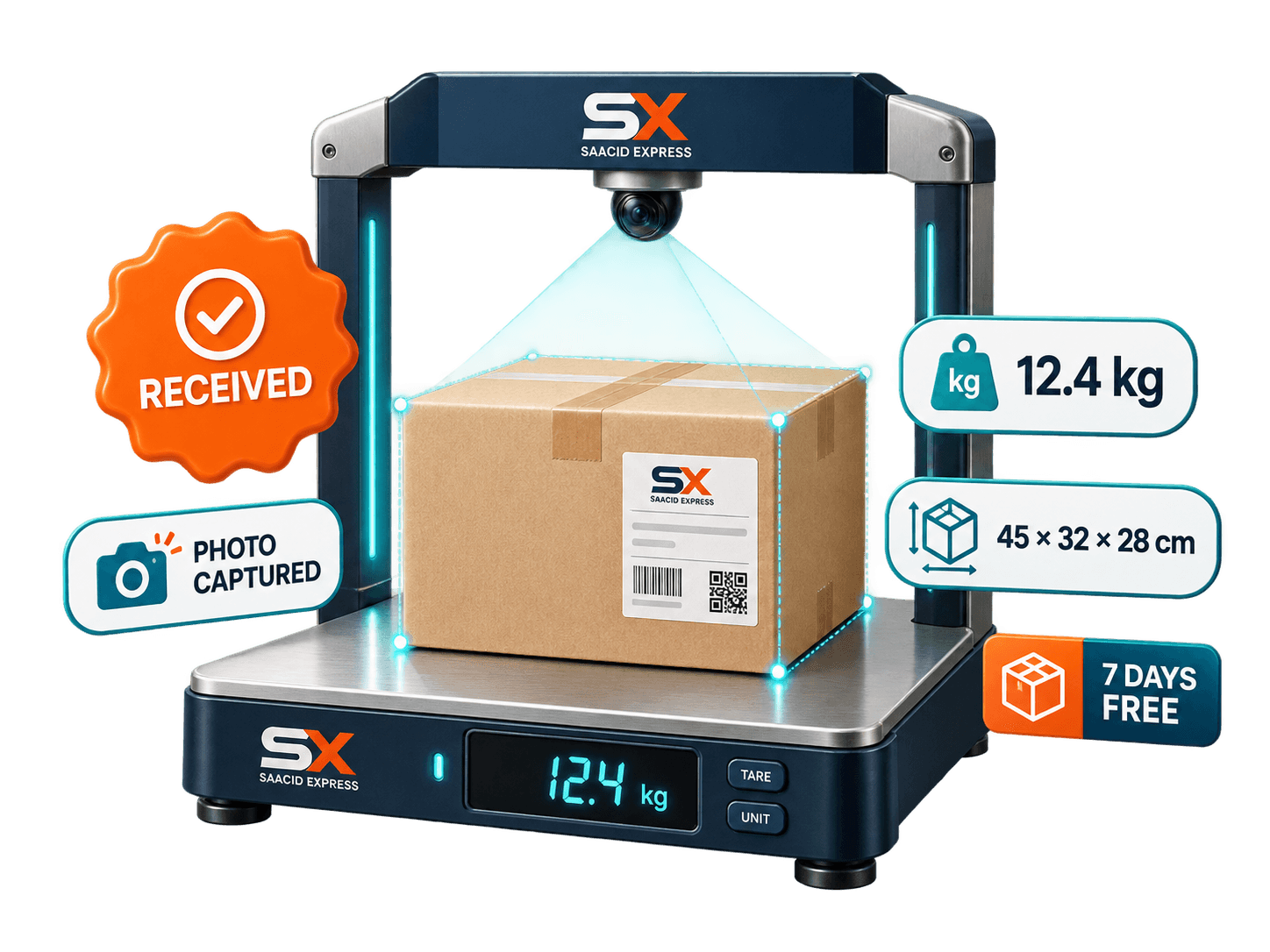
We receive, photograph and measure your package at the shipping hub. You see clear photos, weight and dimensions in your account.
Select the packages you want to send and confirm your destination and delivery details. The shipping rate is confirmed with you before dispatch.
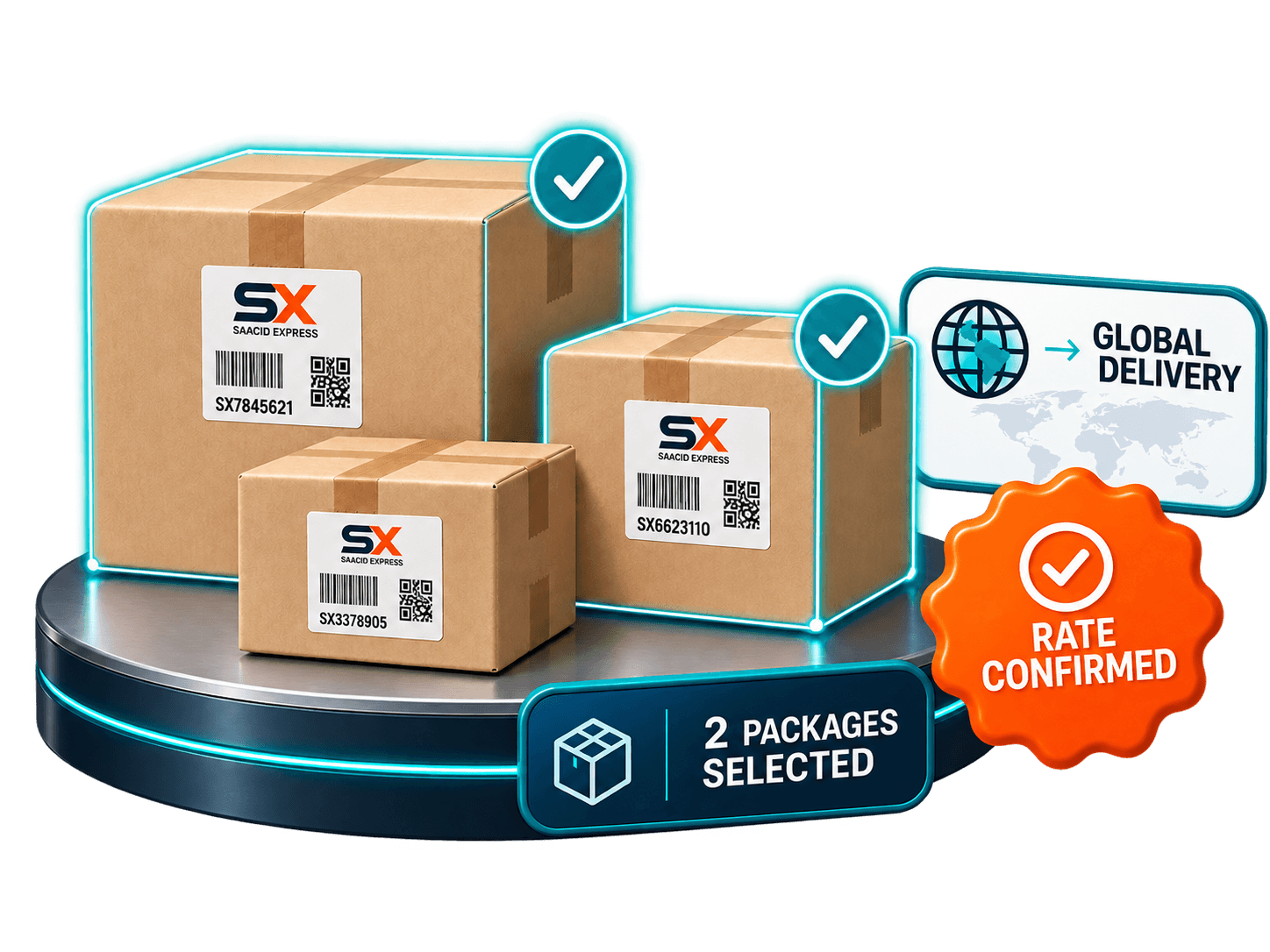
Submit your shipment request, approve the confirmed rate and follow every status update from the shipping hub to your confirmed destination.
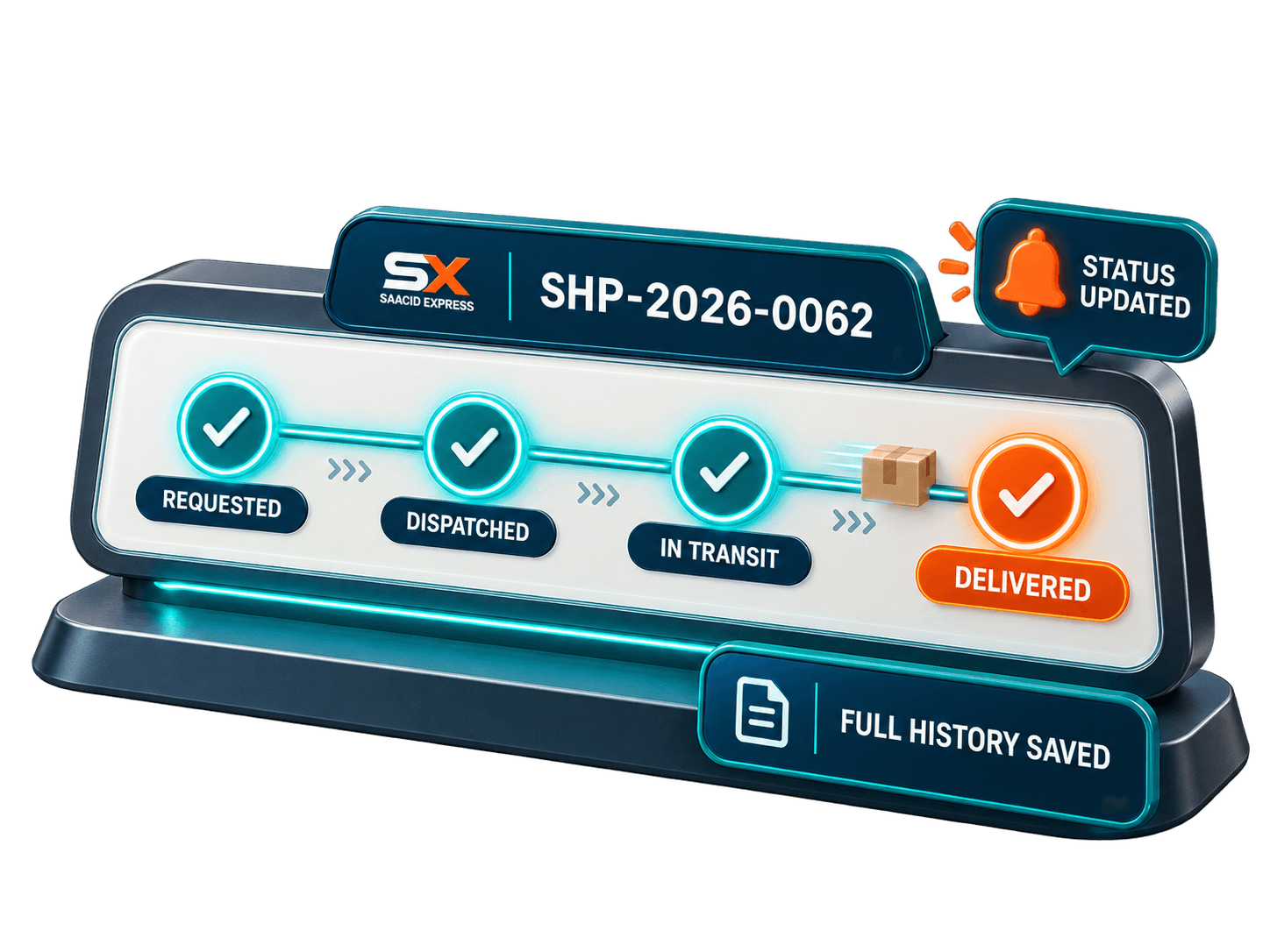
Follow one parcel from your first order to final delivery.
Follow one parcel from your first order to final delivery.
Create your Saacid account and verify your number by mobile or WhatsApp OTP.
Select a step to see what you do, what we handle, and what you receive.